
Learn about purchasing
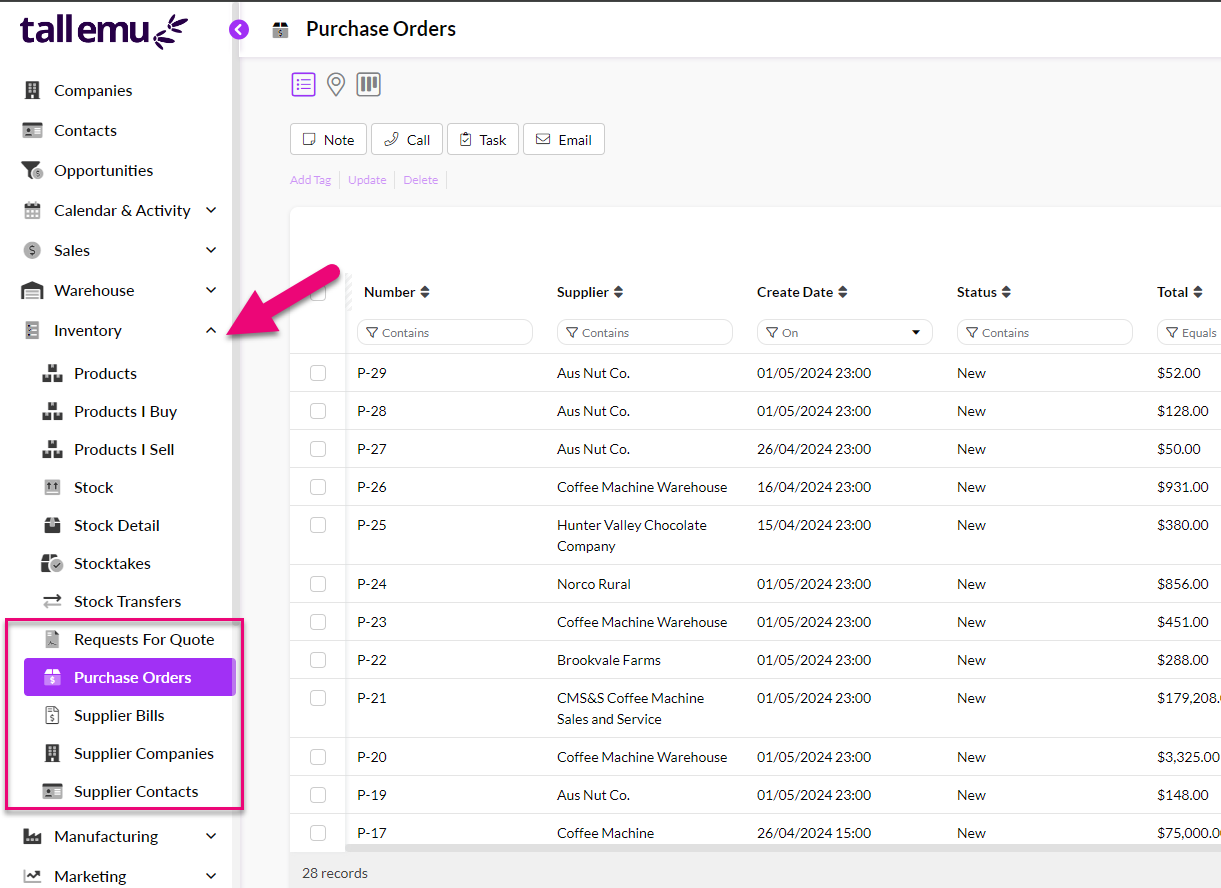
You can access examples of different types from the main menu by clicking on Inventory and then choosing either Request For Quote, Purchase Orders, Supplier Bills, Supplier Companies and Supplier Contacts which will display a list of sample records.
Learn about purchase forms
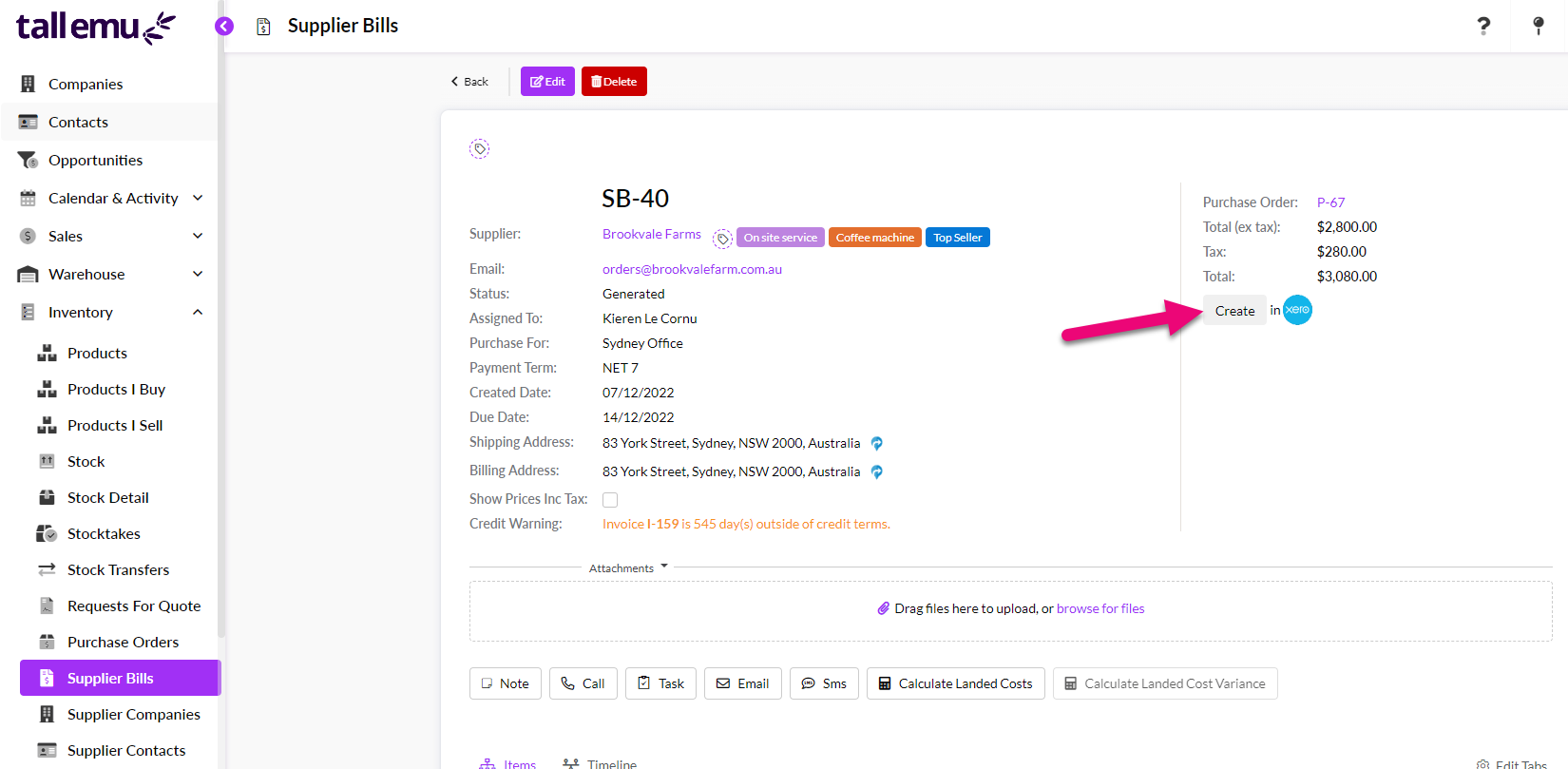
There are 3 purchase forms in CRM that allow you to progress a transaction to the next phase with the simple click of a button:
- Request For Quote: you ask the supplier for a quote.
- Purchase Orders: you place an order with a supplier.
- Supplier Bills: the supplier’s invoice for the order.
Each of the forms is similar in that the top half will display details about the supplier and purchase.
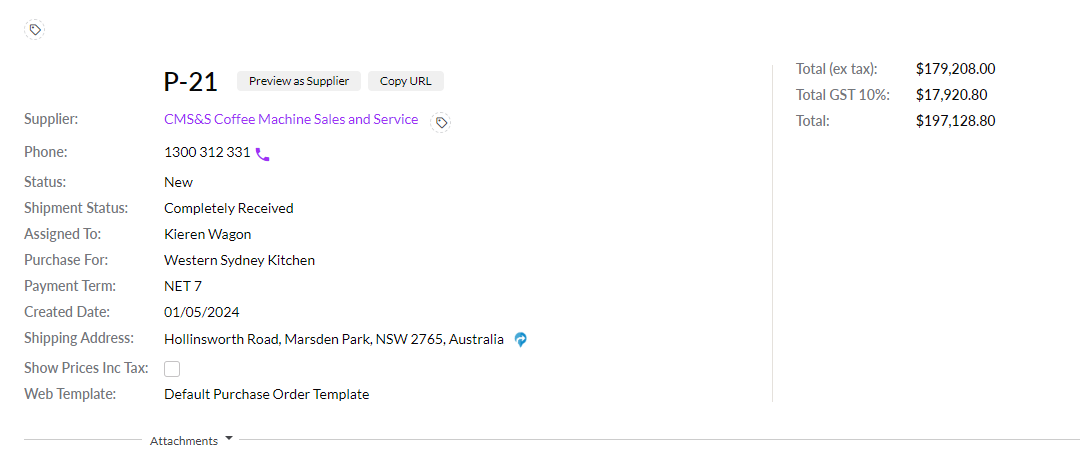
The bottom half will provide an area for attachments, an action bar and details about the items being purchased.

Learn about Suppliers
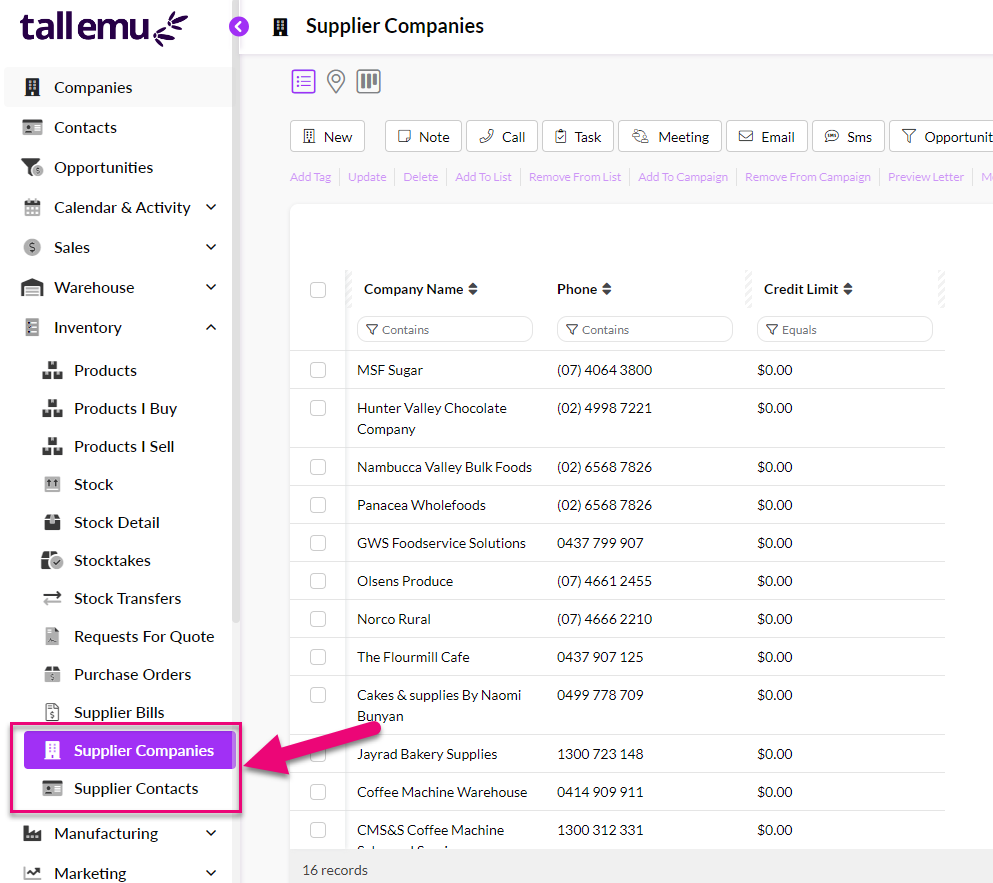
- The Inventory area houses details about your suppliers in the Supplier Companies and Supplier Contacts areas.
- You can set up any item in your inventory with multiple Suppliers, if required. Each Supplier can have their own pricing, part numbers, part descriptions, tax rate and purchasing currency.
- In the event that your suppliers offer bulk or volume pricing, you can set this up to automatically apply to purchase transactions for specific items.
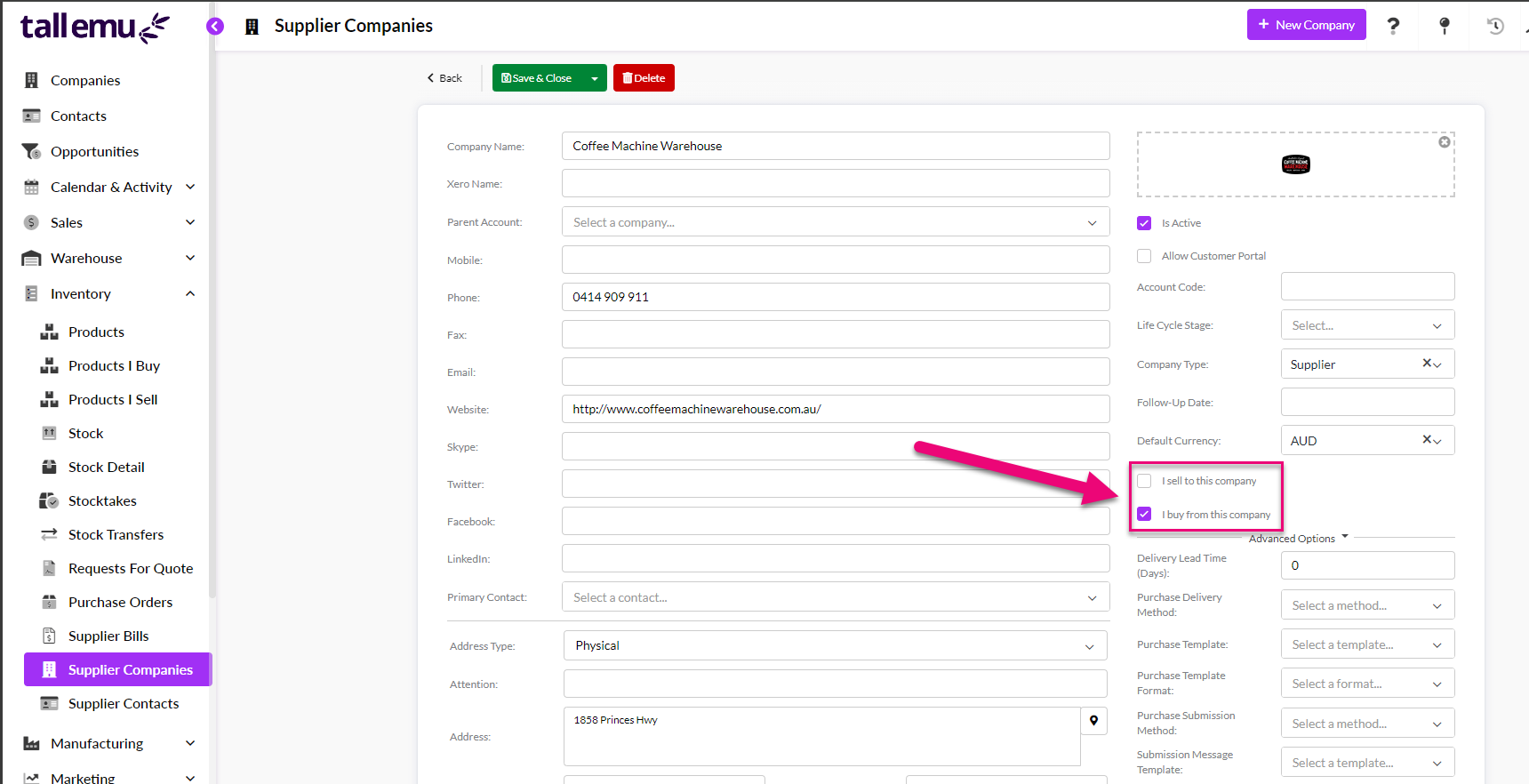
- CRM tells suppliers and customers apart by way of checkboxes that indicate whether the Company or Contact is someone you buy from or sell to.
Learn how purchasing stock works
You can manage all the incoming goods from Suppliers using Inbound Shipments – CRM receipts goods into stock when you mark a shipment as “Received”.

When you sync the associated invoice from the Supplier (the Supplier Bill) from CRM to your accounting system, the stock is also increased there.
Learn about multi-currency purchasing
CRM allows for multi-currency purchasing.